Documentation cover

Getting Started with Inked Colibri

This page guides you through the essential documentation sections of Inked Colibri — from understanding variable naming conventions to generating CSS exports that mirror your design system.

To make the most of the plugin, it’s best to follow the order below. Each section builds upon the previous one — helping you move from color creation to complete variable management and handoff.

Color Management

Color Management

Start Here — Understand Variable Naming & Structure

Color Management

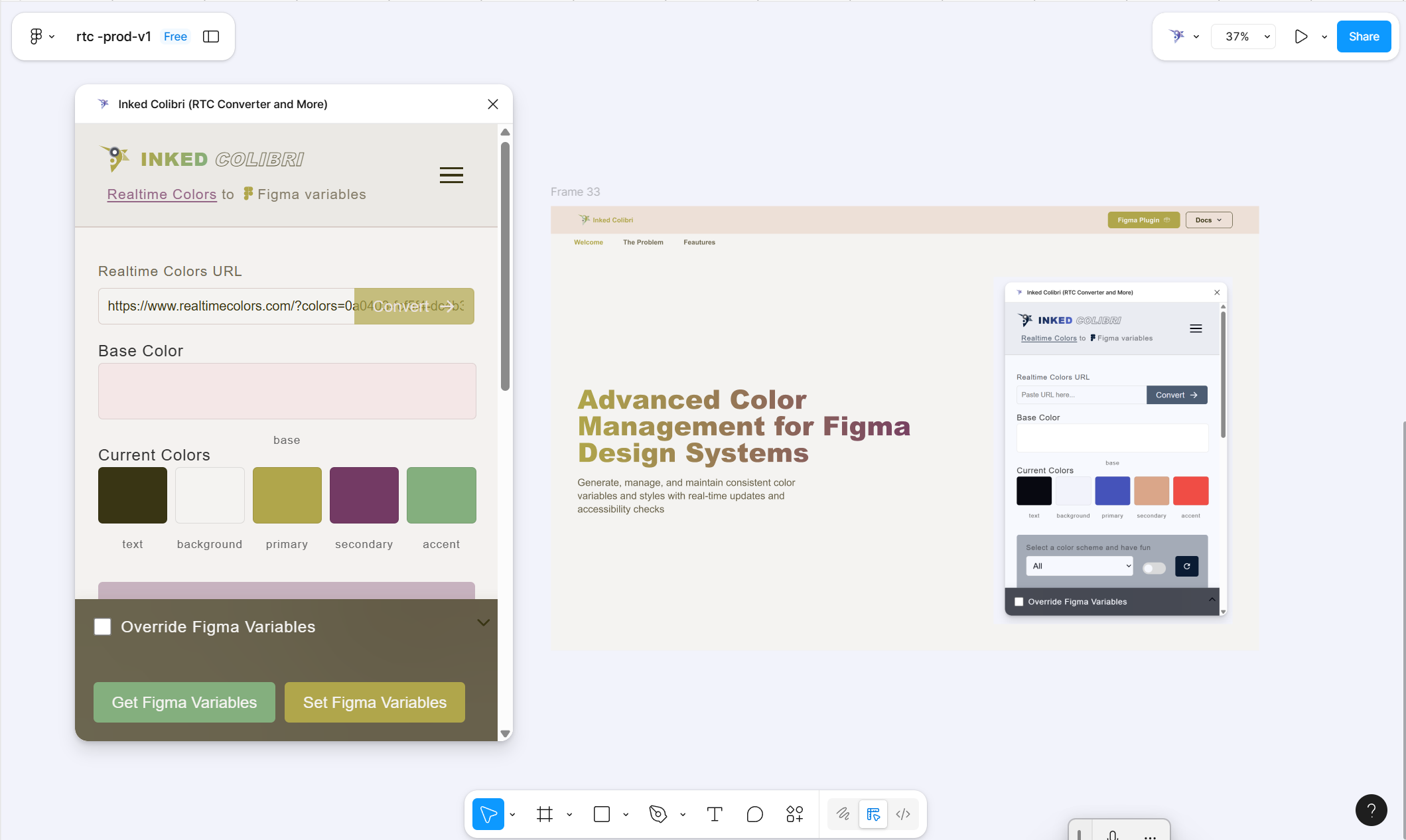
Start by learning how Inked Colibri structures and names variables. The Color Management section covers how color variables are generated, named, and related to each other. Understanding this structure is essential before exploring JSON patterns or variable management workflows.

Variable & Style Management in Figma

Variable & Style Management in Figma

Execute and Connect Variables in Figma

Variable & Style Management

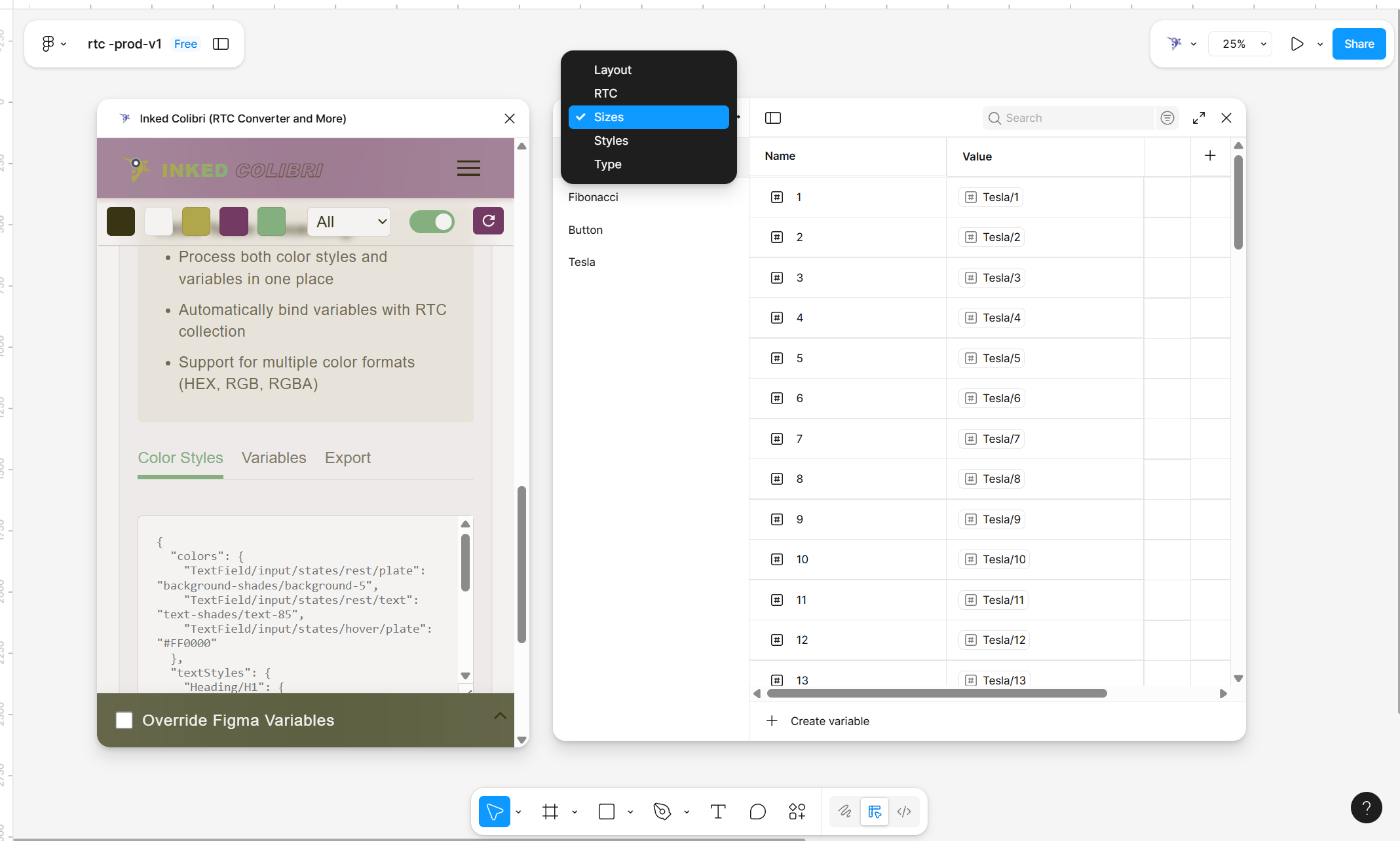
This section shows how JSON structures come to life inside Figma. You’ll learn how Inked Colibri bridges your JSON definitions with Figma variables and styles, so you can generate, replace, and maintain them efficiently. Understanding JSON from the previous section is key here.

JSON Patterns

JSON Patterns

Define, Share, and Extend Your System

JSON Patterns

Once you’re familiar with variable naming, explore JSON Schemes. Here, you’ll learn how Inked Colibri represents variables and styles in flat, human-readable JSON structures. You’ll find working examples of size, typography, and layout variable executions — and learn how to communicate these patterns to AI for consistent generation and management.

CSS Export

CSS Export

Generate Frontend-Ready CSS from Figma Variables

CSS Export

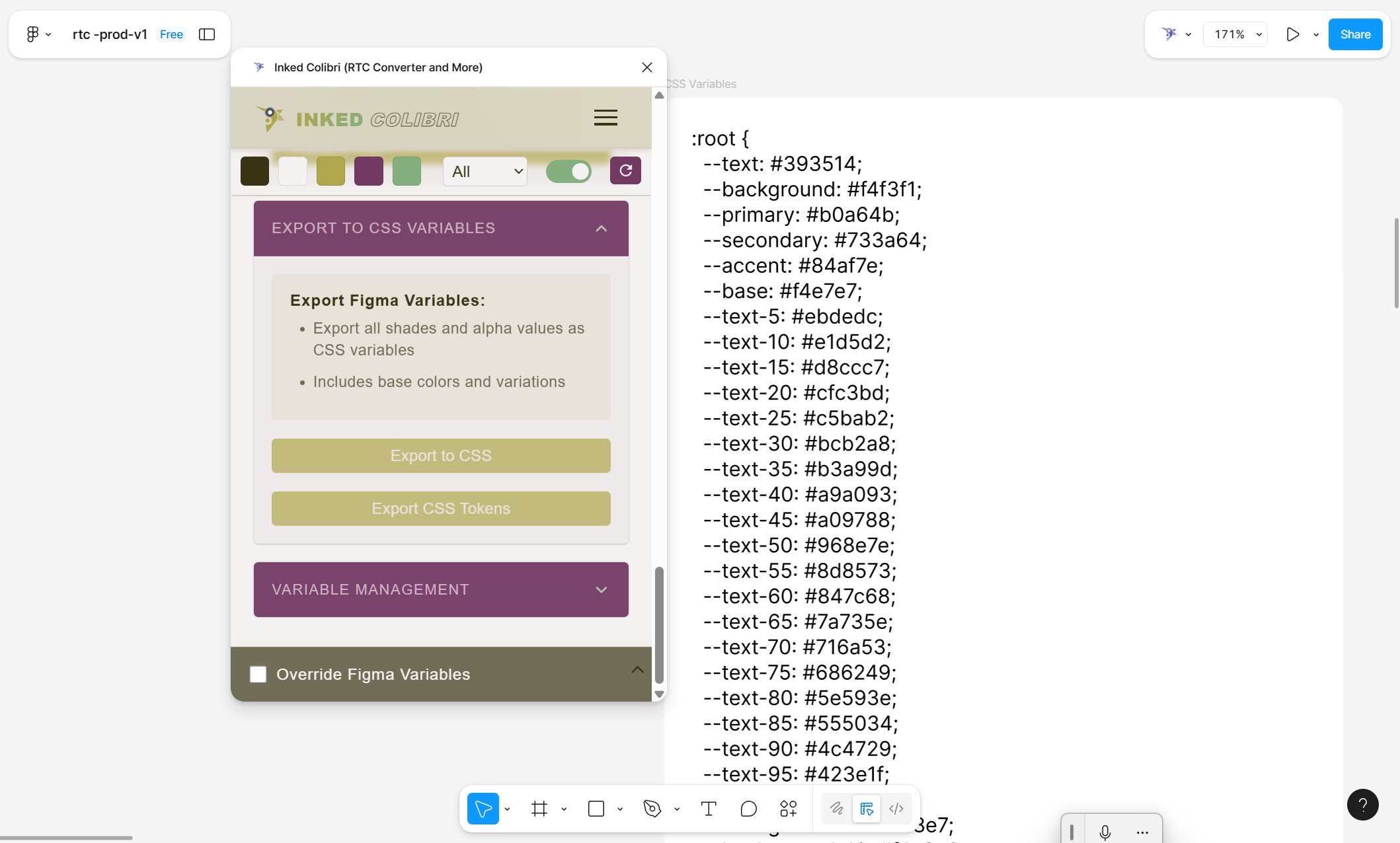
The final step — preparing your variables for development. Learn how Inked Colibri exports your variable and style structure into CSS, mirroring your Figma hierarchy. For example, a Figma variable sizes/xl:12px becomes --sizes-xl: 12px; in CSS, following your nesting pattern automatically.