🎨 Color Management
Comprehensive color management tools for generating, managing, and applying color schemes
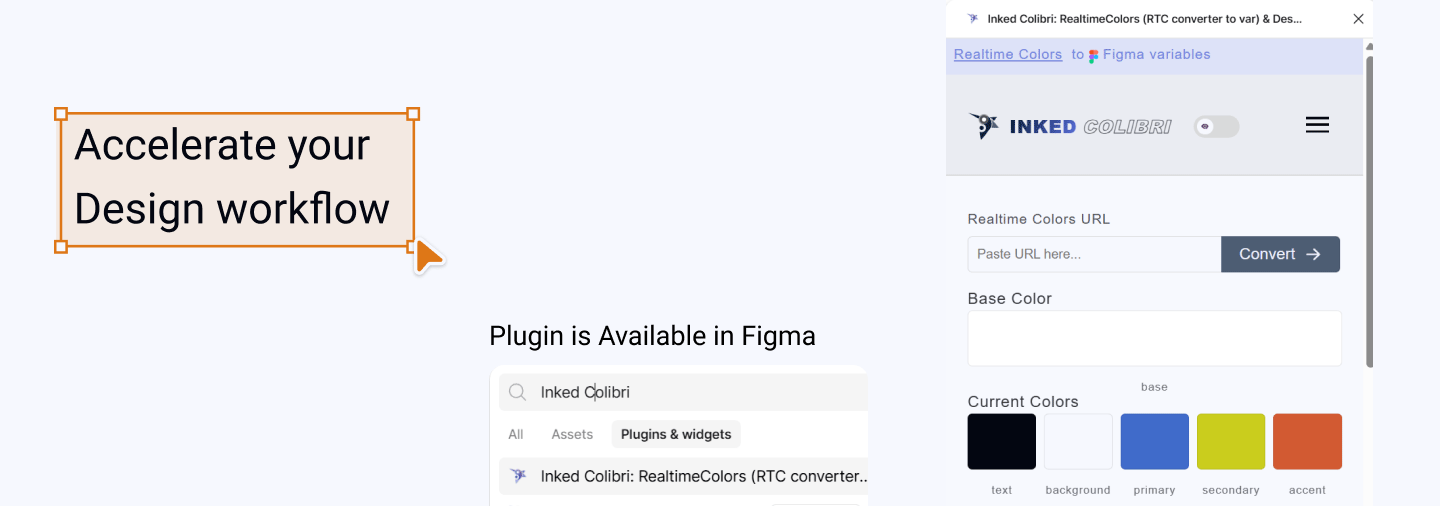
Build, Explore, and Validate with Confidence
Color is the foundation of every design system — and managing it efficiently is what Inked Colibri does best. Whether you're building a brand from scratch or refining an existing palette, these tools help you create flexible color systems, experiment safely, and ensure visual accessibility — all without breaking your workflow in Figma.
From generating complete variable-based palettes to validating contrast accessibility, Inked Colibri provides everything you need to work with color confidently. Each feature is designed to work seamlessly together, creating a workflow that scales from initial exploration to final implementation.
Start Here: Foundation First
Understanding color variable naming is essential before exploring other features. We recommend starting with Realtime Color Variables to learn the foundational naming conventions (Primary, Secondary, Accent, Text, Background) and how the variable structure works. This knowledge will help you get the most out of palette generation, swatches, and accessibility validation.
Below is a quick overview of each color management feature. Click any topic to dive deeper.
Realtime Color Variables
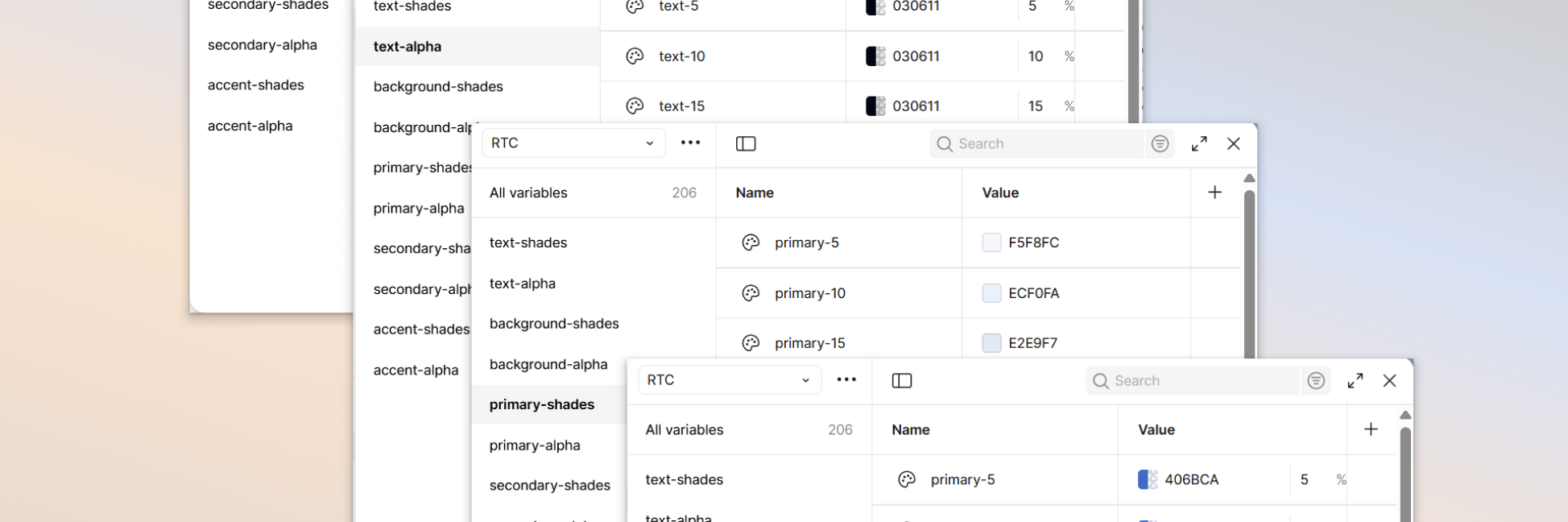
Flexible Foundation
Color Variable Setup
Use meaningful roles (Primary, Secondary, Accent, Text, Background) to switch entire palettes or toggle light/dark mode with a single click — no manual recoloring needed.
Generate Color Schemes
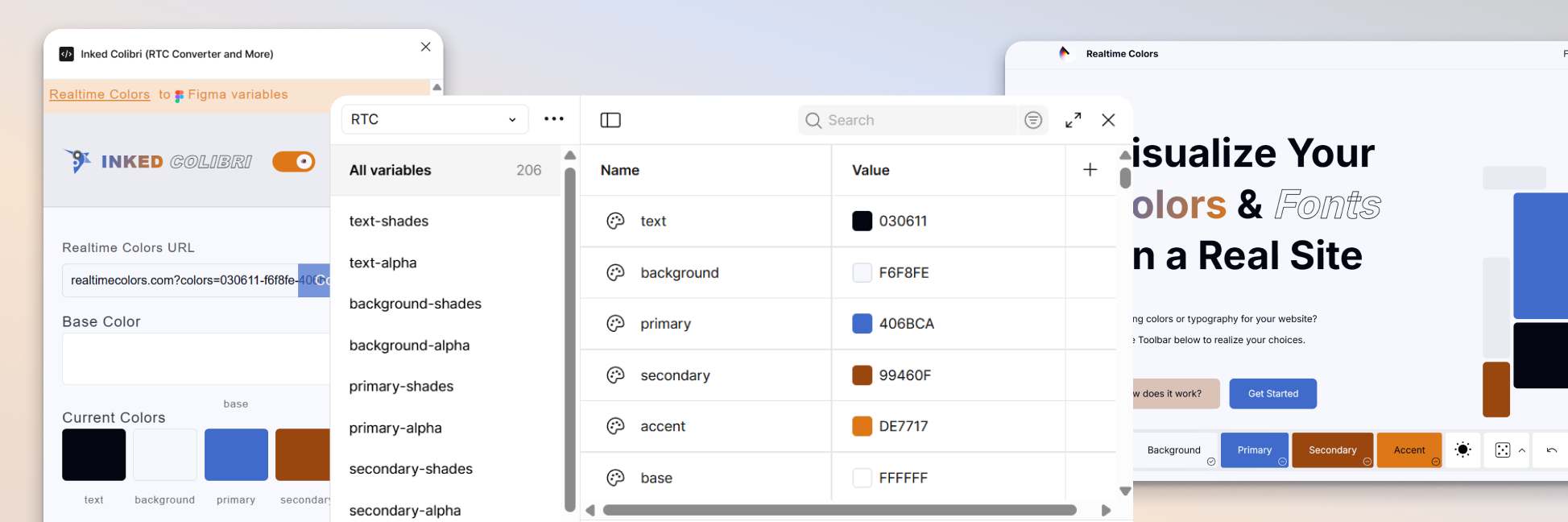
One-Click Generation
Palette Creation
Import a Realtime Colors URL or build directly in the plugin. Automatically generates shades and alpha variations (5% to 100%) for each color role, stored in your Figma Variables panel.
Color Swatches
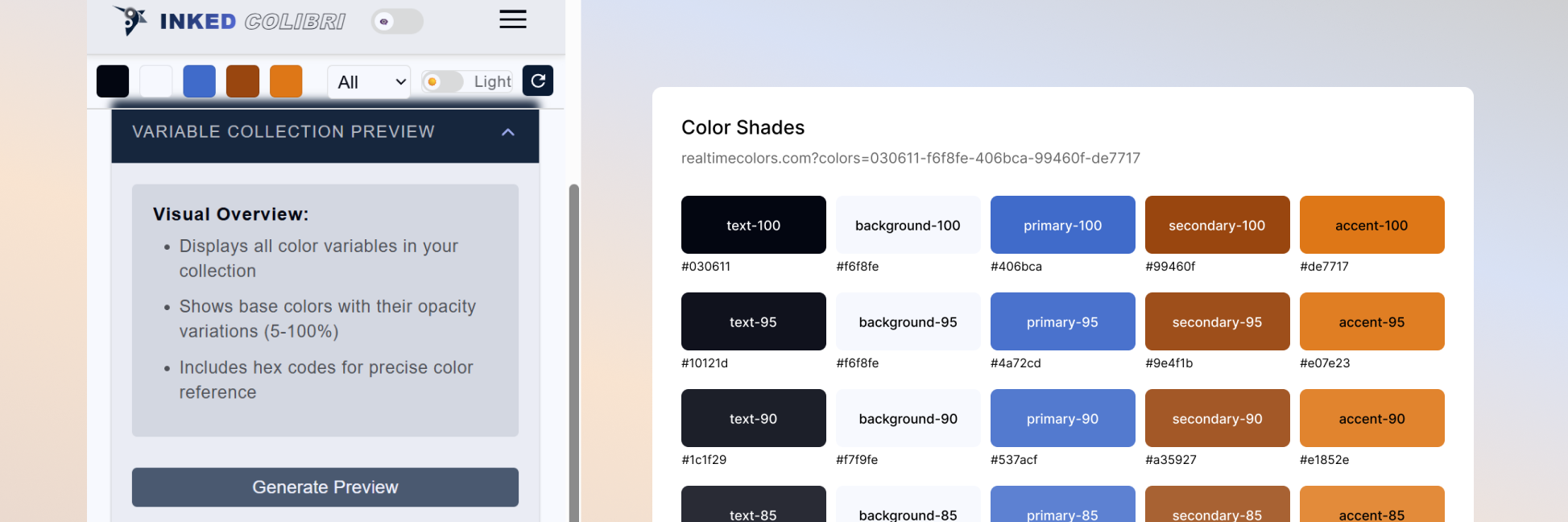
Safe Experimentation
Visual Exploration
Explore and compare palettes visually without losing structure. Each swatch displays all shades and alpha variations, plus a Realtime Colors URL for one-click rollback. Perfect for brand exploration or comparing multiple palette directions.
APCA Compatibility Matrix
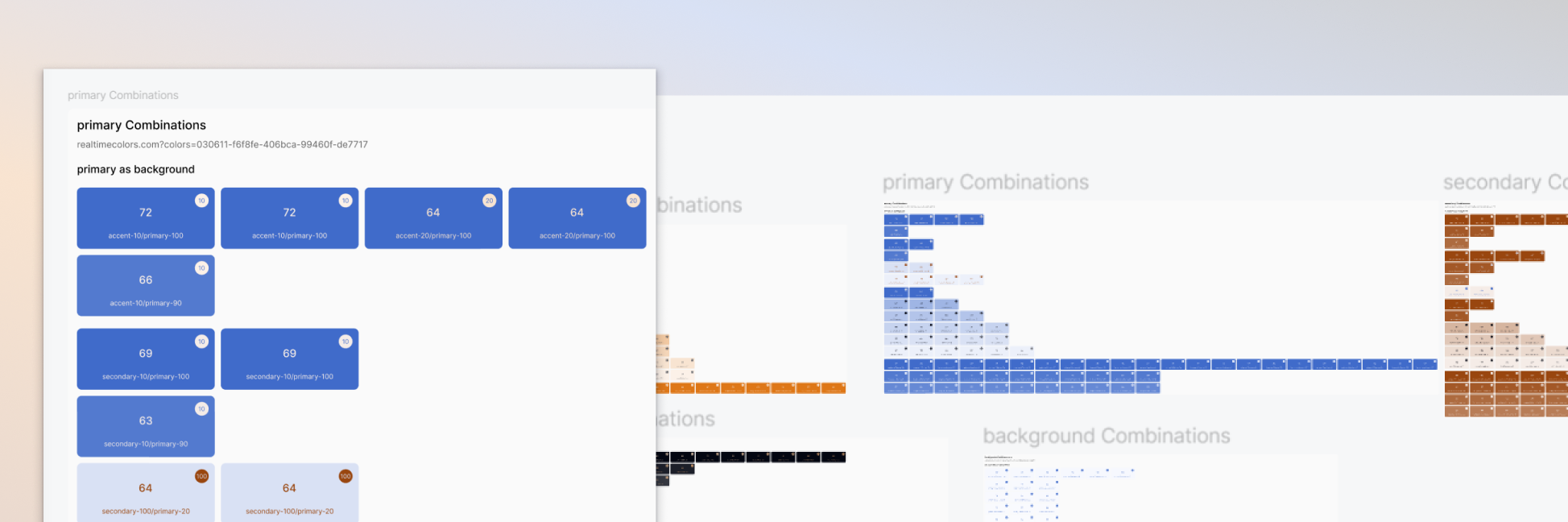
Accessibility Validation
Contrast Analysis
Validate accessibility with APCA contrast values for every color pair. Displays values on colored cells, labeled with RTC variable names. Regenerate after palette updates to keep insights current.
The Complete Workflow
Together, these tools form a comprehensive color management system:
- Generate your palette — import from Realtime Colors or create directly in Figma
- Structure with variables — organize colors using meaningful roles that adapt instantly
- Explore visually — compare palettes with swatches and rollback anytime
- Validate accessibility — ensure contrast meets standards with the APCA matrix